

How to Send Emails with SendGrid and Next.js for a Contact Form
April 4, 2023

Israel Hernandez
I'm Israel , a developer, , father , and wanna be blogger who specialized in front-end development in Long Beach, CA. Currently a Senior at CSULB majoring in Computer Science
Writing emails in websites is important because it allows businesses to communicate with their customers and potential customers in a personalized and direct way. Emails can be used to provide information, promote products or services, and build relationships with customers, ultimately leading to increased engagement, loyalty, and sales. How to use SendGrid ?
Create Sendgrid Account:
1. Create an Account at https://signup.sendgrid.com/
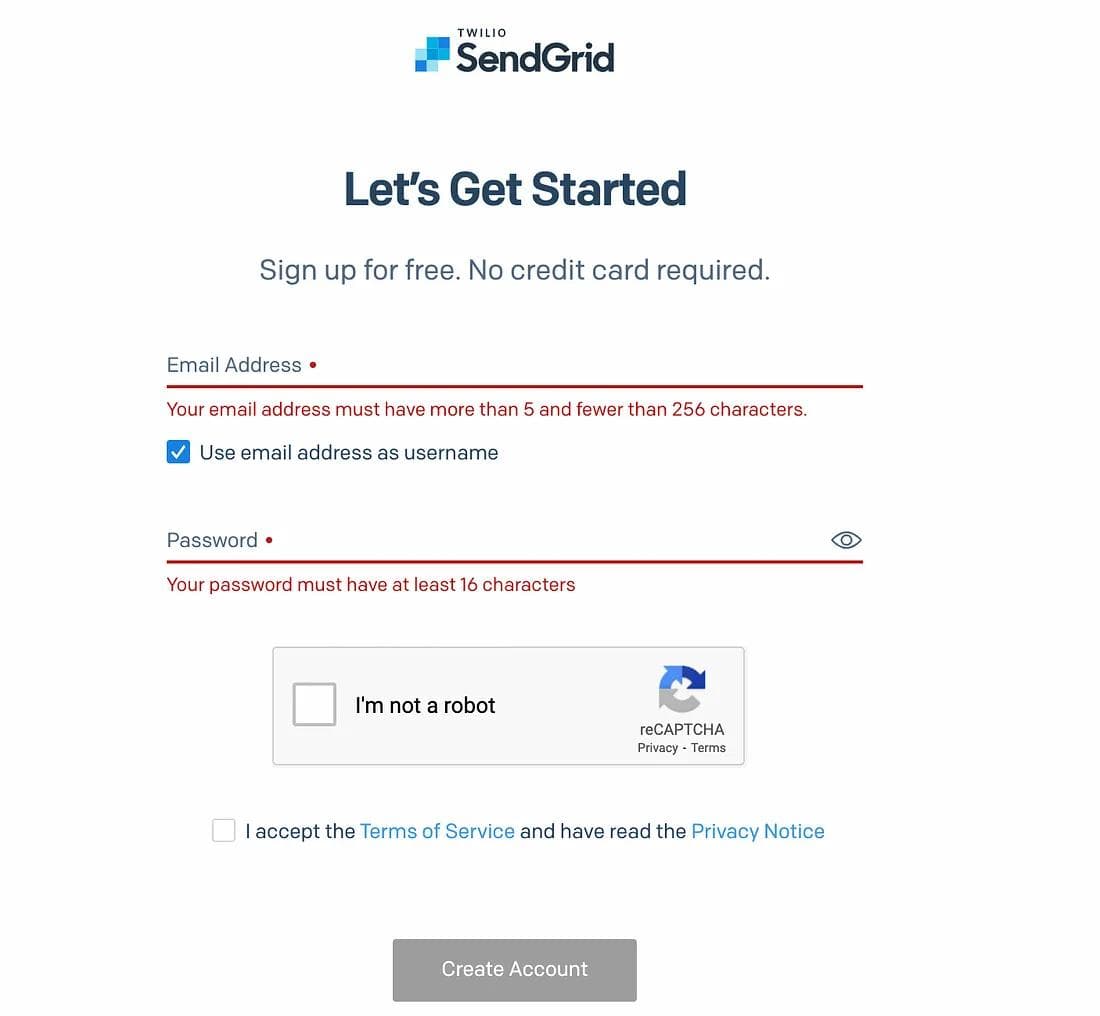
2. Fill in all required info
3. Navigate to Settings > API Keys and and click Create API Key.
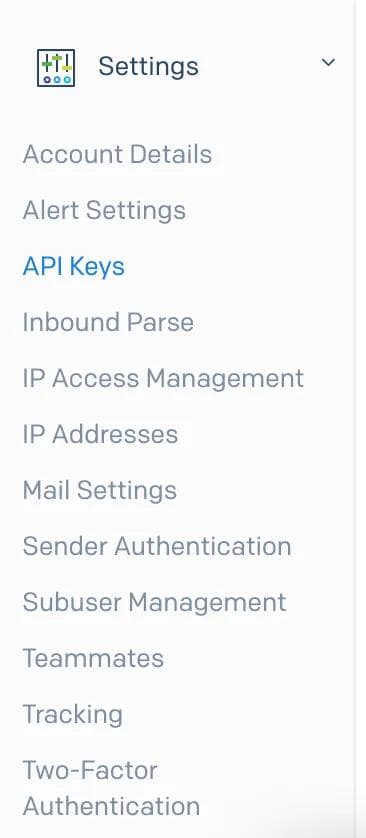
Remember to save your API Key because you will not be able to access it again. For security reasons.
4. Verify Single Sender
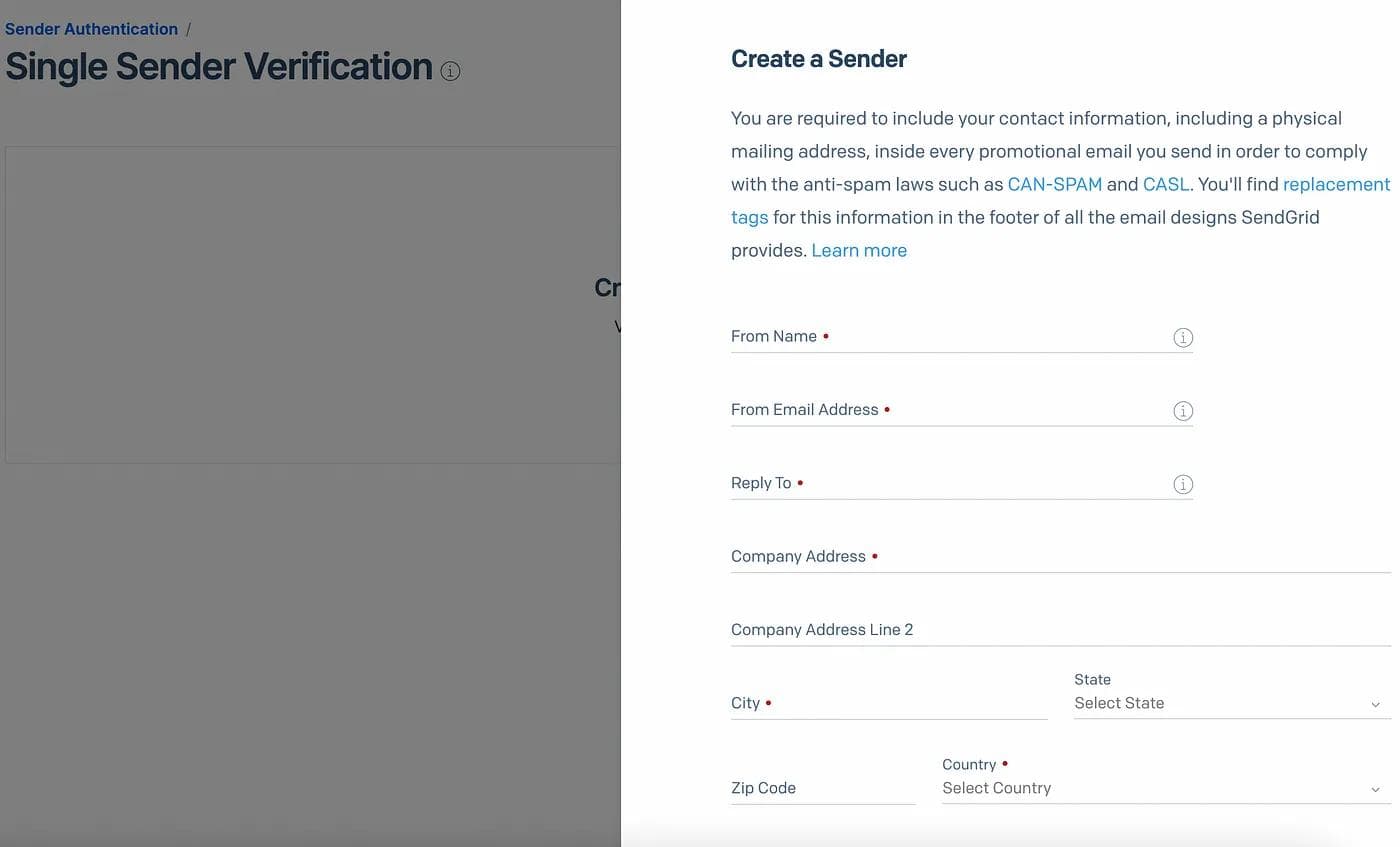
Note: you might be able to send emails using the SendGrid domain, making this step optional, but you’ll be creating a better experience for your visitors by sending the emails from the same domain they’re on